Hacking flashlight for party!

Collaborated w/ Ziv, Alex, Jorge, and Kristina.

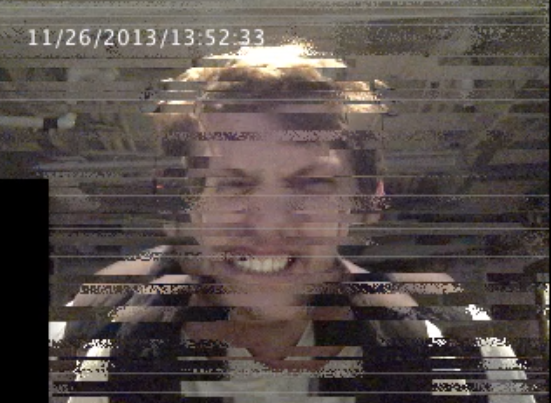
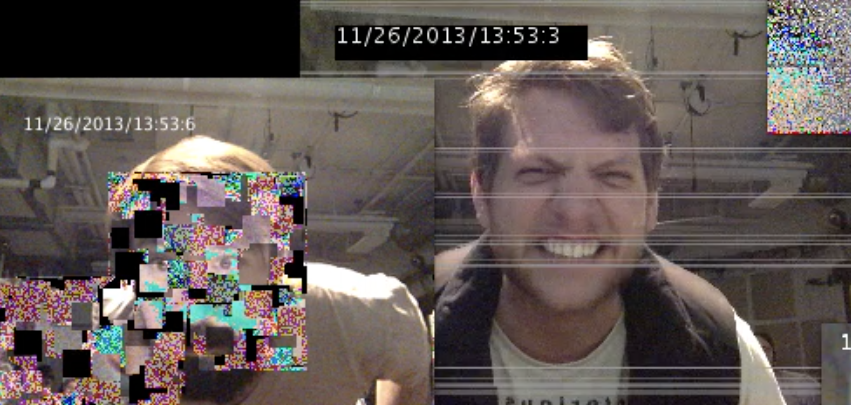
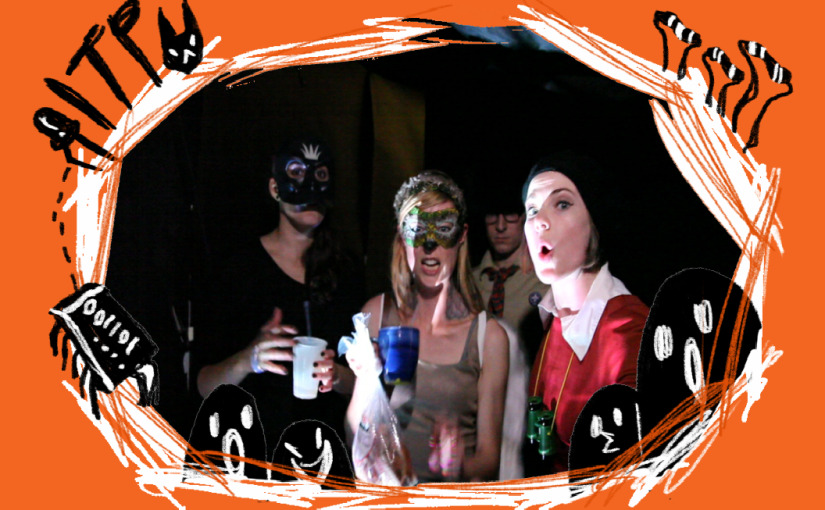
Long long time ago(Oct, 2013), Ziv came out of an idea for the photo booth of ITP Halloween party–> Photoboo, which is using strong light to frighten whoever walk in and taking pictures of them. Big success.

I was responsible for the light part and came out of an idea that just using the external flashlight kit of Canon 5D. With this reference, flashlight worked like a charm with a simple button(P.s. We used transistor instead of optoisolator).

Connected to the complicated Max/MSP patch Alex made, the flashlight triggered once infrared sensor detecting people approaching.

Here’s the simple circuit.

flashlight_hack

And here’s the code for Arduino.

#define CAMERA_FLASH_PIN 8
#define BUTTOM_PIN 2

void setup()
{
  pinMode(BUTTOM_PIN, INPUT);
  pinMode(CAMERA_FLASH_PIN, OUTPUT);
  digitalWrite(CAMERA_FLASH_PIN, LOW);
  Serial.begin(9600); // open serial
  Serial.println("Press the button to trigger the flash");
}

void loop()
{
  if (digitalRead(BUTTOM_PIN) == HIGH) {
    digitalWrite(CAMERA_FLASH_PIN, HIGH);
    delay(100);
    digitalWrite(CAMERA_FLASH_PIN, LOW);
  }
  else {
    digitalWrite(CAMERA_FLASH_PIN, LOW);

    Serial.println("Press the button to trigger the flash");
  }
}


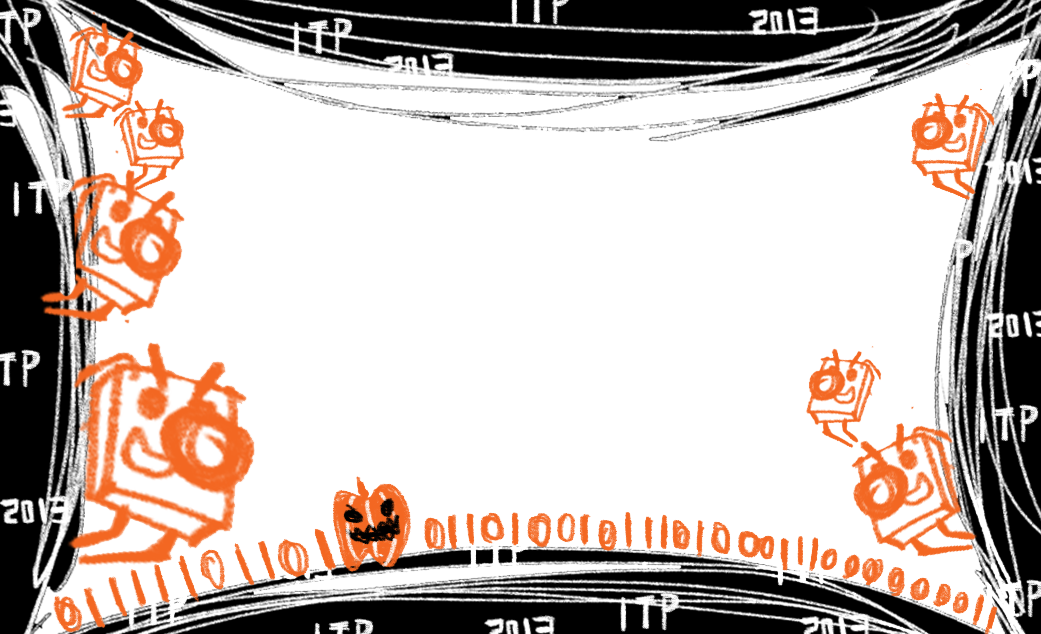
And…. I also designed some frames for the Photoboo!

 

Happy time 😀
Quick notes after Winter Show 2013

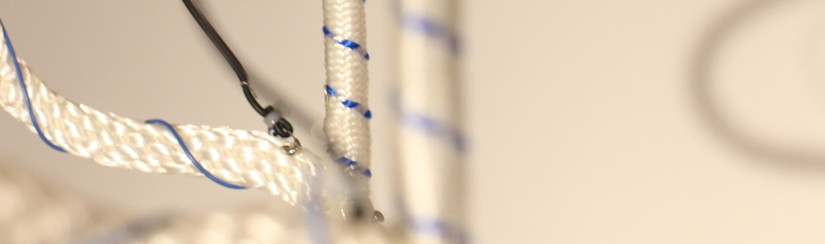
Dope Ropes

doperope

Feedback

  • “Is it NIME? Just PComp? Wow good job guys, amazing!”
  • “What does it do?”
  • “Wow I like that, check this out, this is my favorite!”
  • “Why do you choose those sounds?”
  • advices for the ropes attachment
  • very satisfying when pulling
  • bell instrument
  • “Are they sex tool ropes?”
  • pretty on and off switch LED
  • “LED is fun.”
  • Are you a musician?
  • Can you compose song with this?
  • Using headphones for this.
  • Speakers can be located separately for each set.
  • People are afraid they’re going to pull it down; afraid to pull in the beginning

Aftershow Notes

  • too high to adjust, all the wires need to be glued to be stable
  • xbee data sending –> glitch!
  • pulling instrument –> potential, because it’s rare. The only association people have is ringing the bell.
  • people seems more related to recognizable sample sounds
  • pitch changing one needs to be more subtle and gentle
  • Pulling demonstration helps people understand


Glitchtchtchitch

glitchtchtchitch

Feedback

  • some just pass by
  • some enjoy it, standing for a long time and coming back later
  • people feel more comfortable when I’m not beside the stand
  • watching –> realizing –> smiling –> seeing EyesMouthes –> laughing
  • “Ha. Big brother is watching.”
  • “How do you say this title?”  “I see. Sounds like what they look like.”
  • “Fun” “Very interesting”
  • “Hmm”
  • “What should I do?” “How does it work?”
  • “Can I take picture with it?”
  • “Can I record this?”
  • people wave at the camera
  • “It’d be cool if it can detect me smiling”
  • interested in how it works
  • “I want to take this home and put it in my room.”

Aftershow Notes

  • If it’s workable would be more interesting to open more sketches
  • Ideally two computers with 4 projectors!
  • can add more interaction function e.g. detect smile and laugh
  • more knowledge about surveillance and psychology of people’s react with it

ICM_Glitchtchtchitch

ICM Final– Glitchtchtchitch.

Manipulation and surveillance visualization.

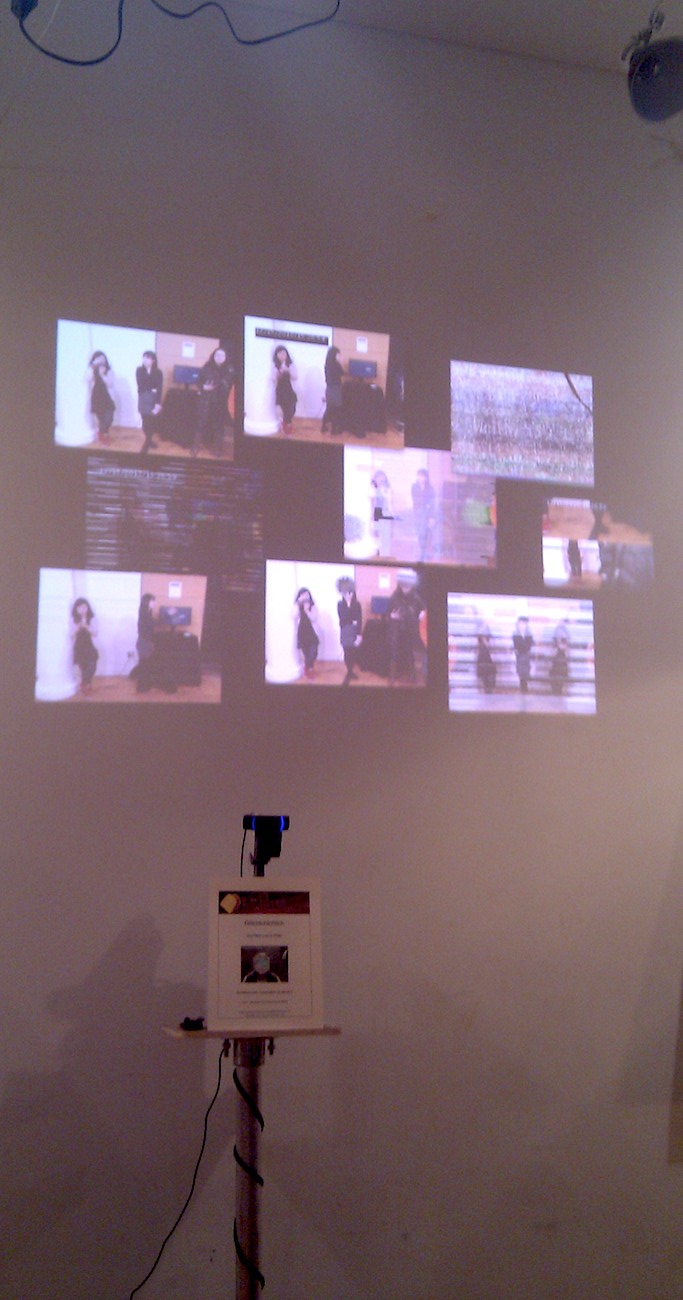
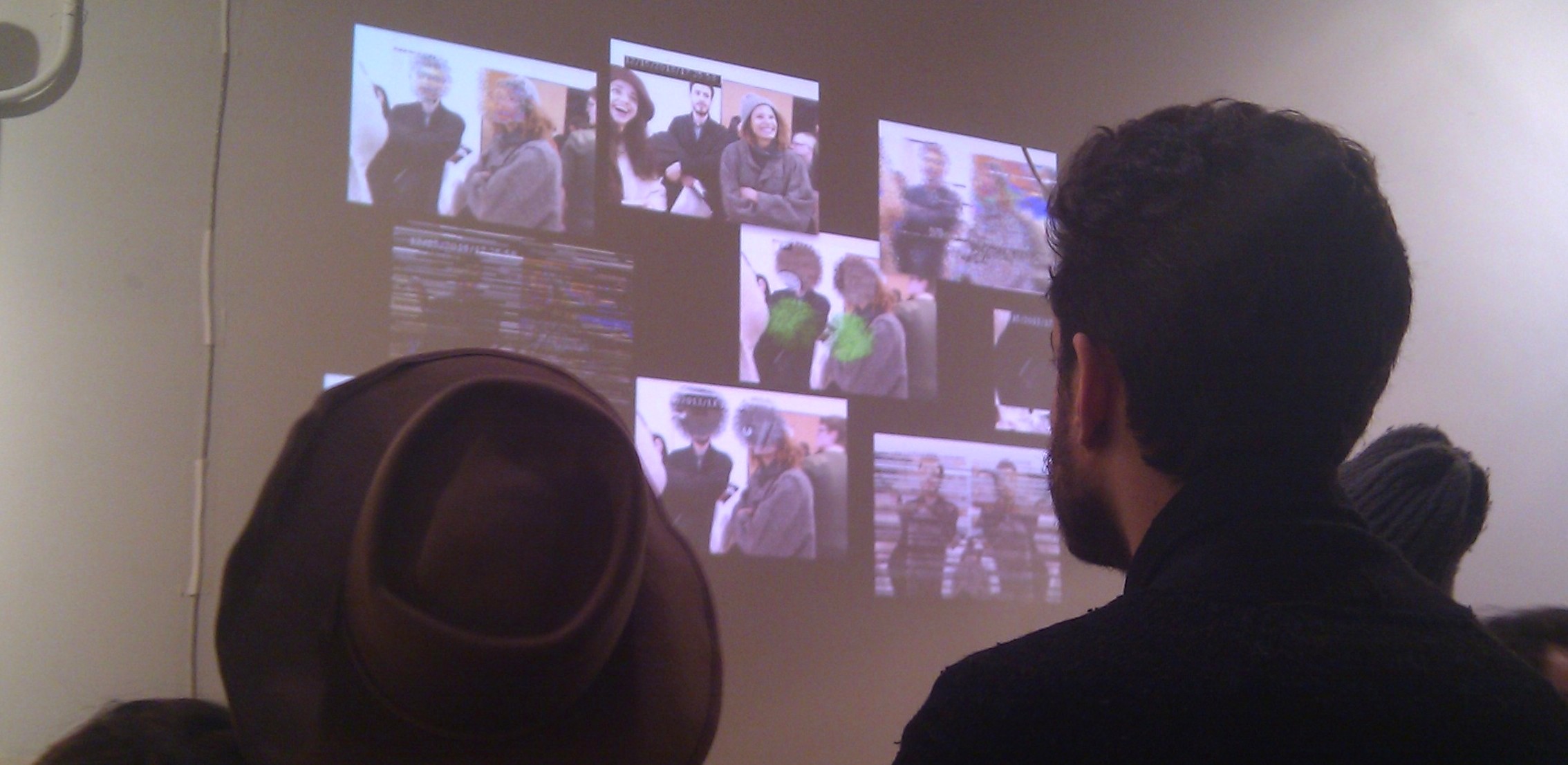
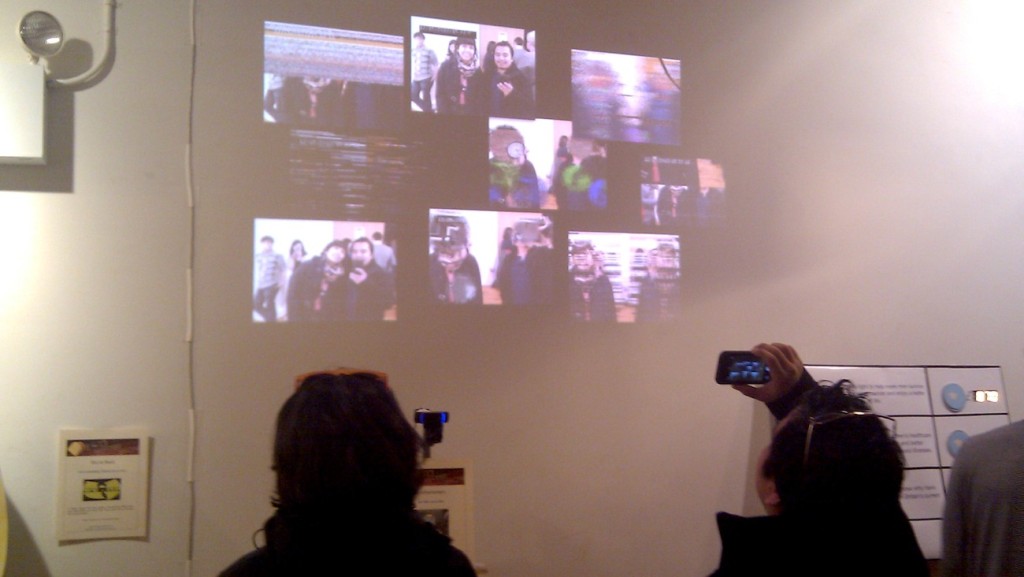
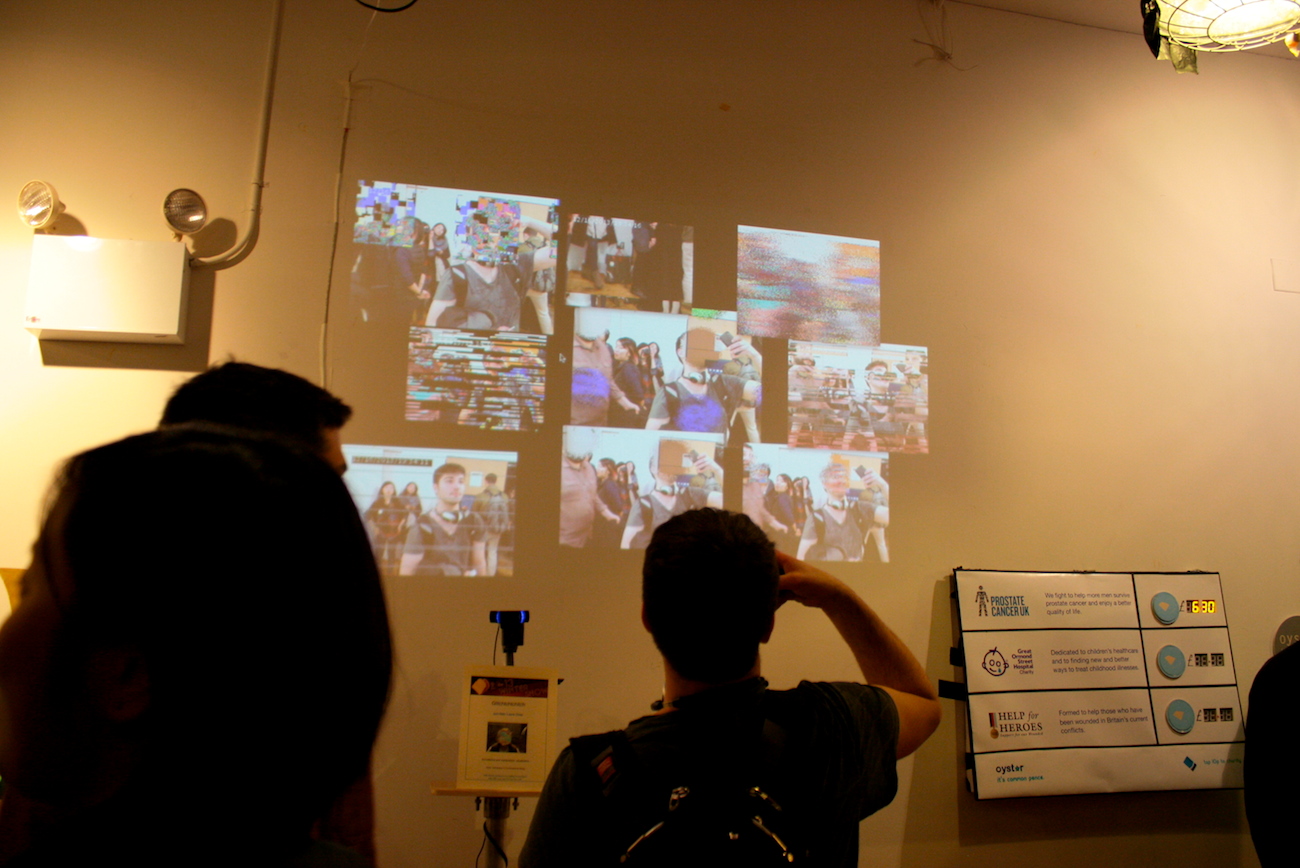
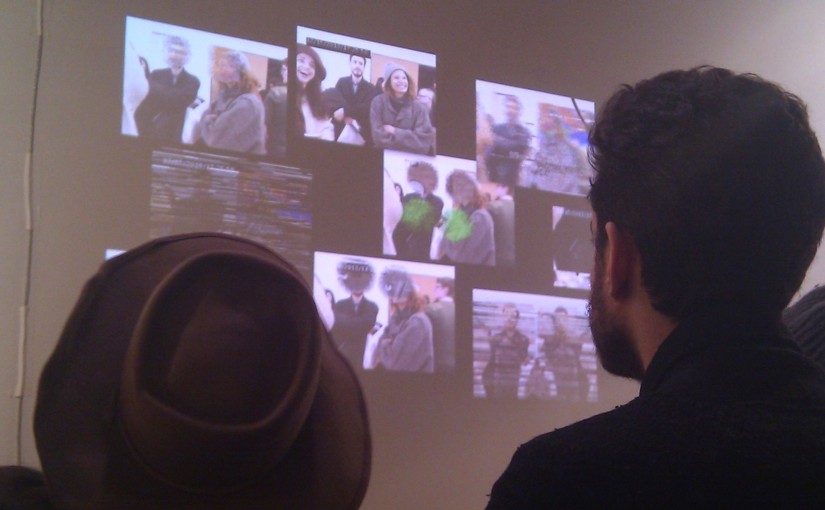
Featured in ITP Winter Show 2013(See all the pics!).

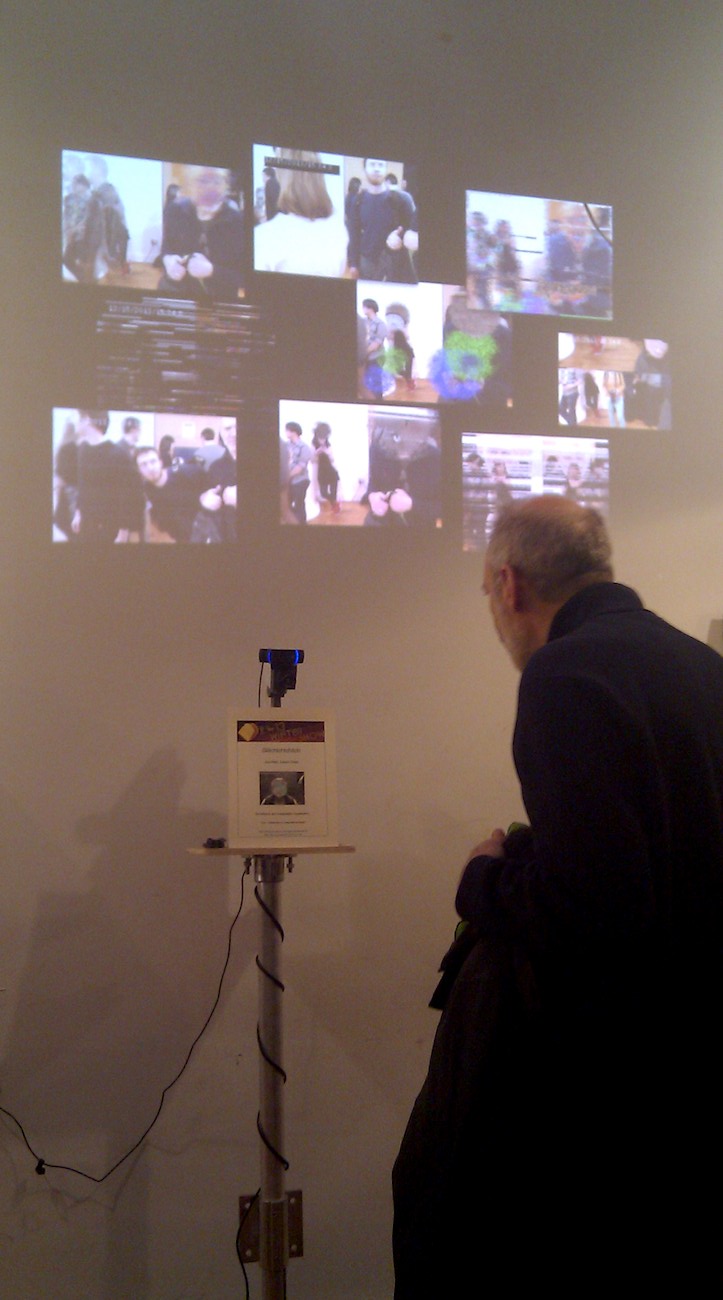
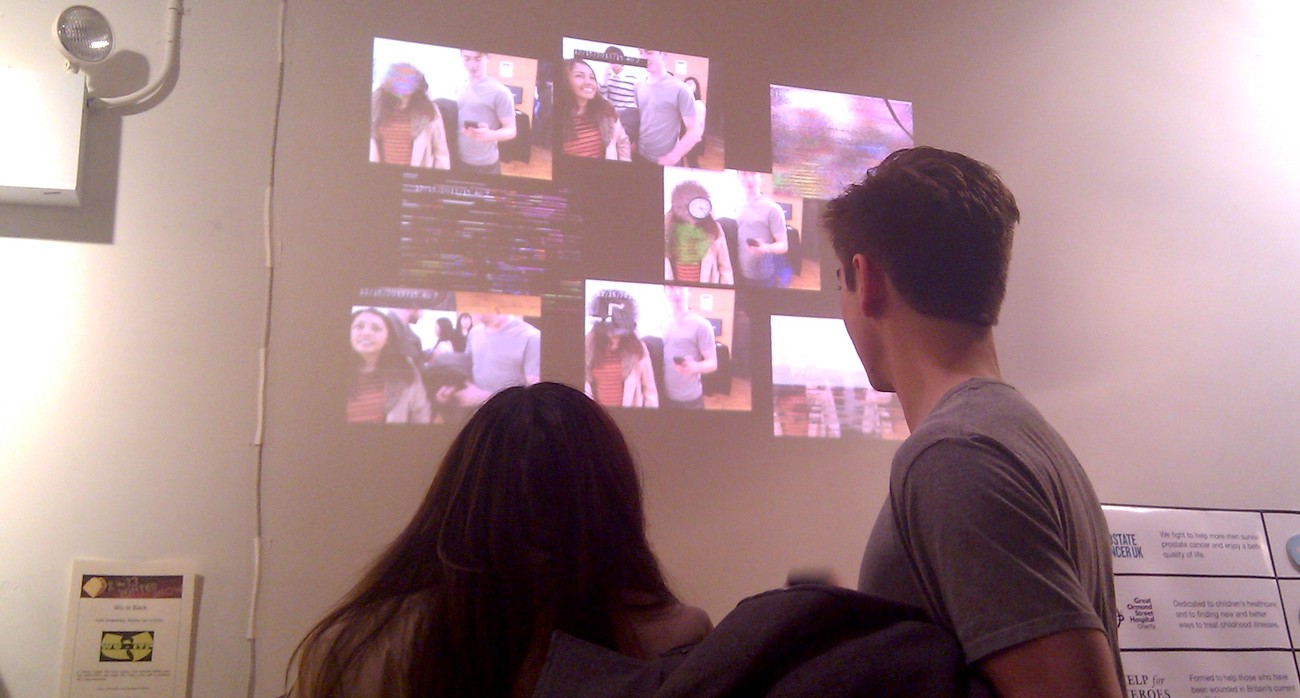
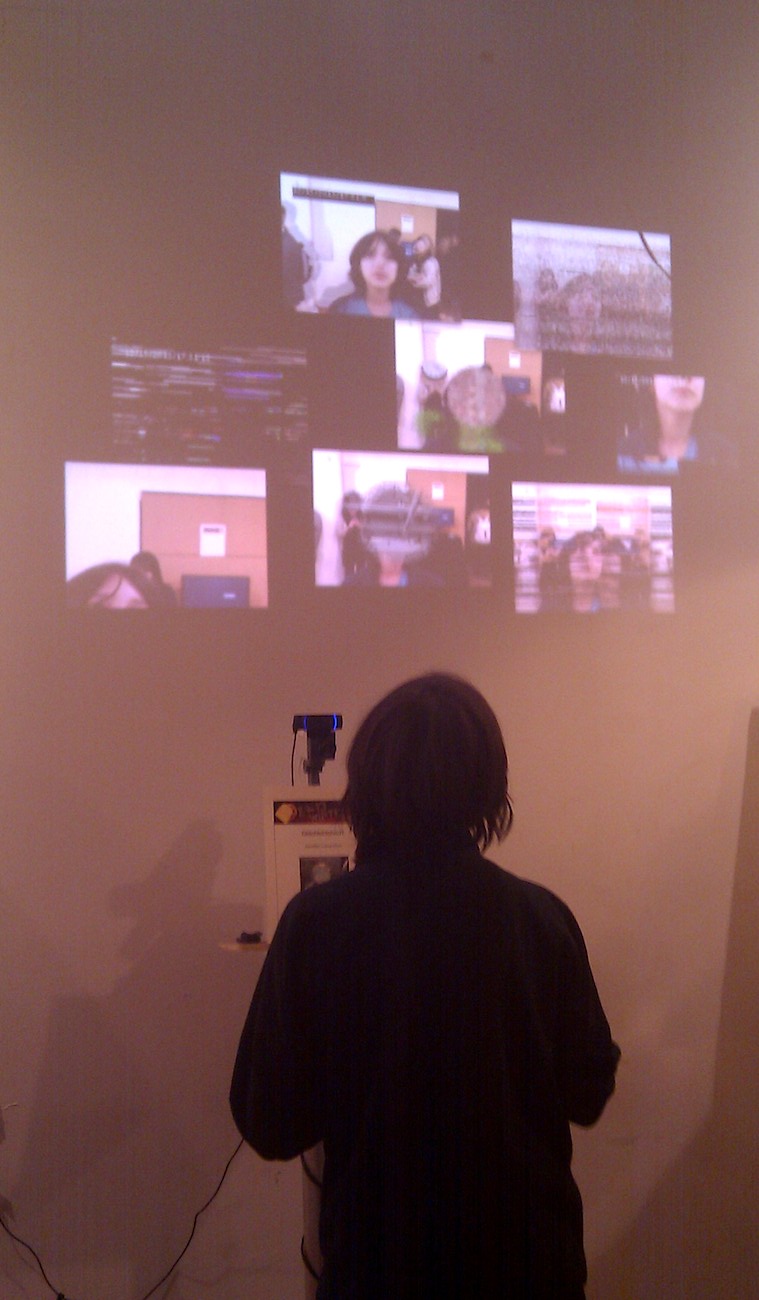
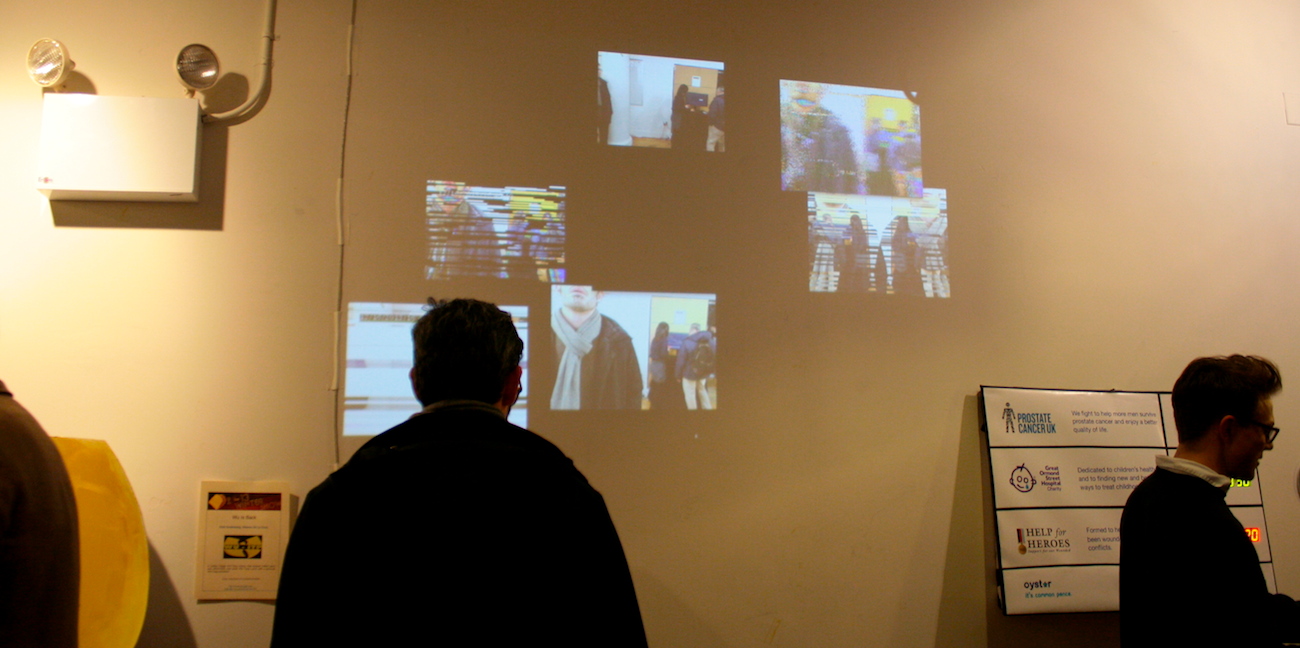
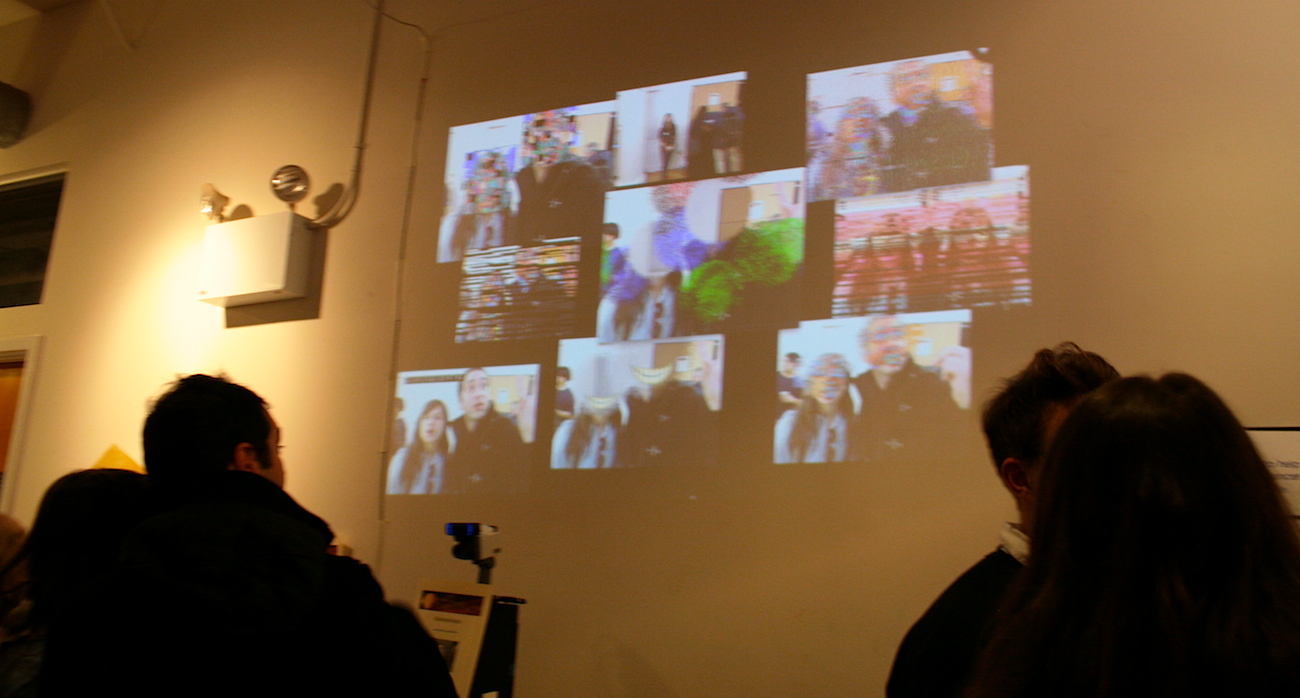
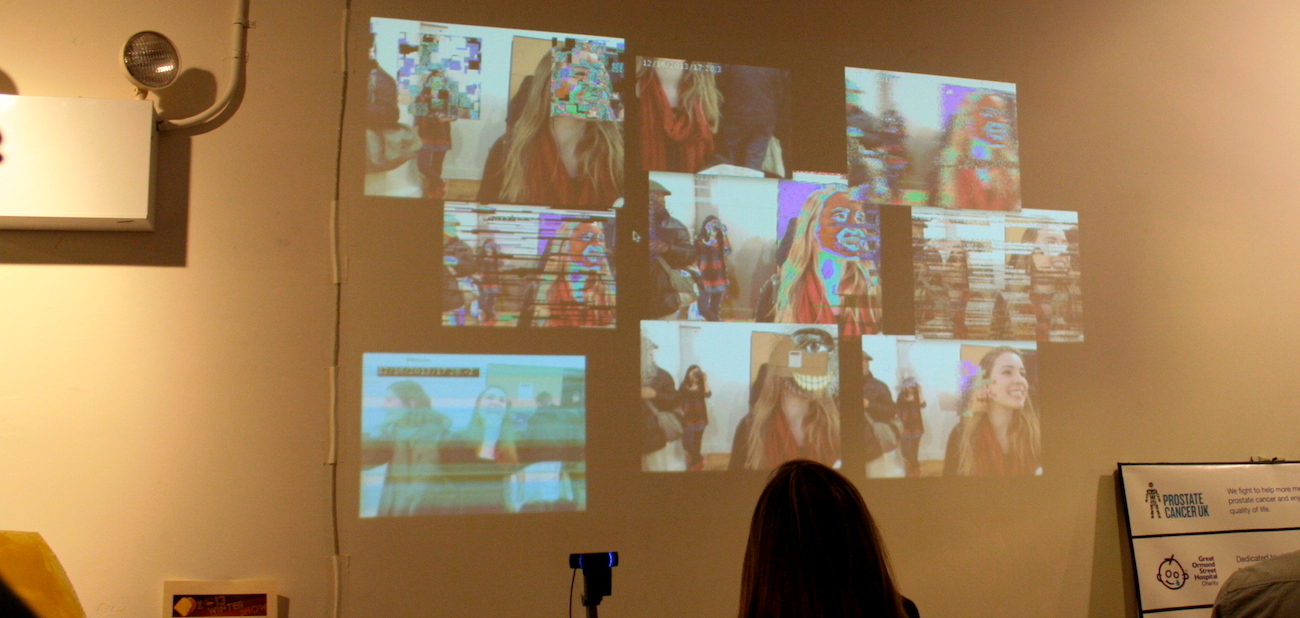
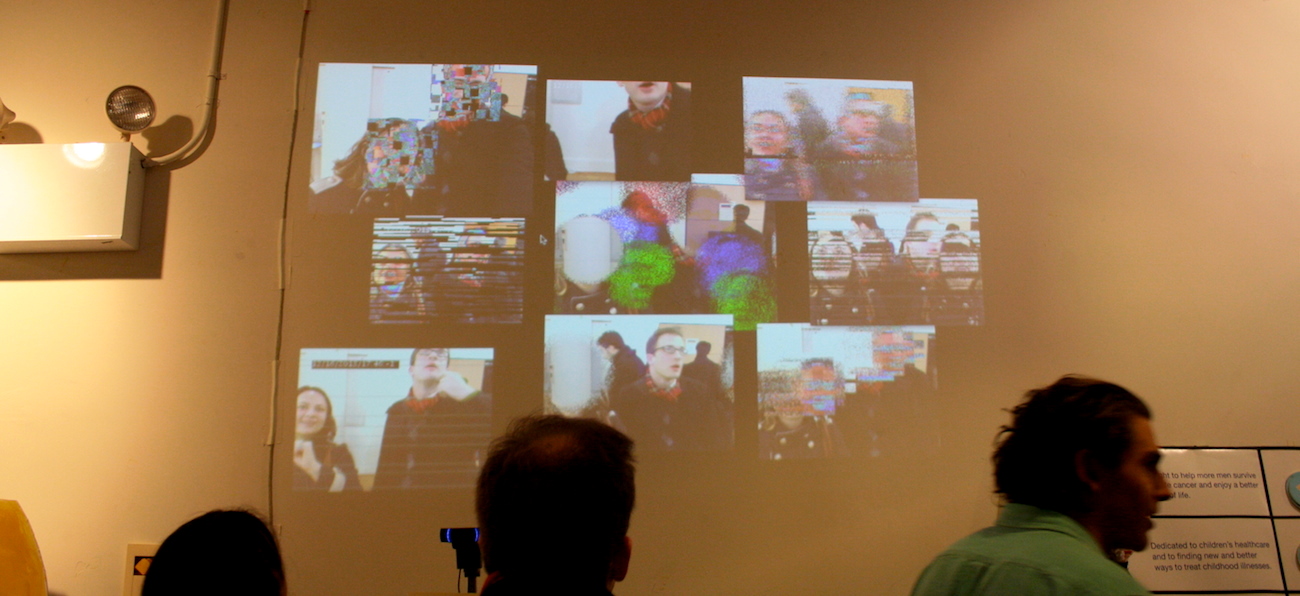
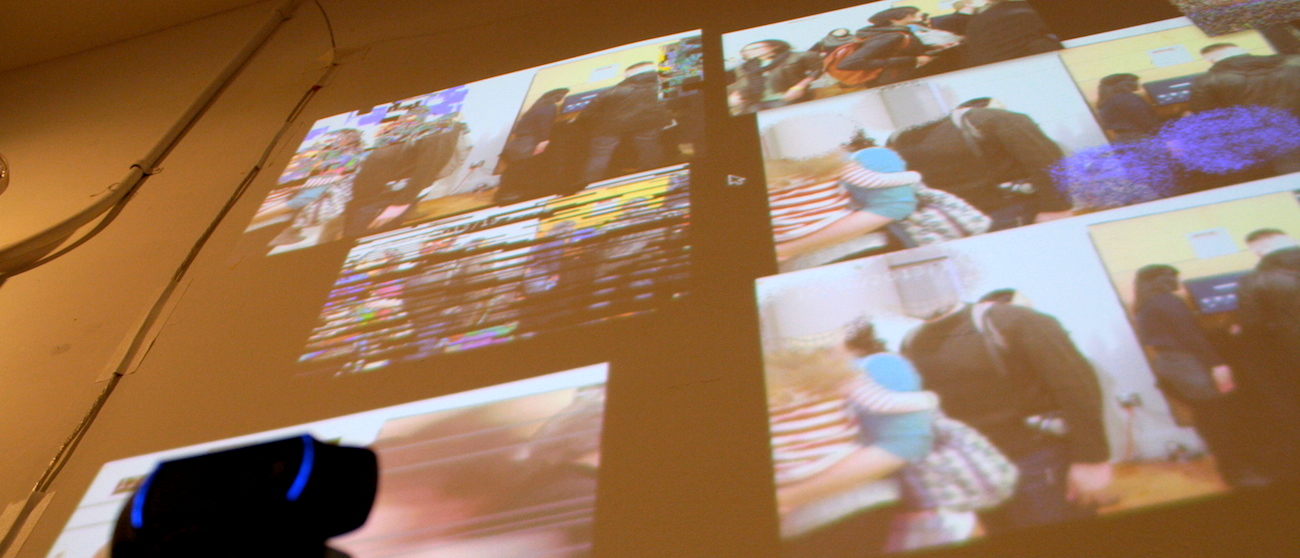
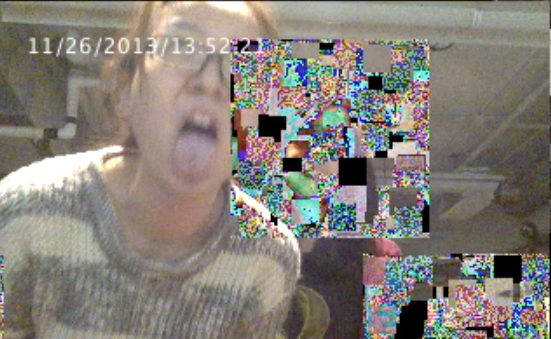
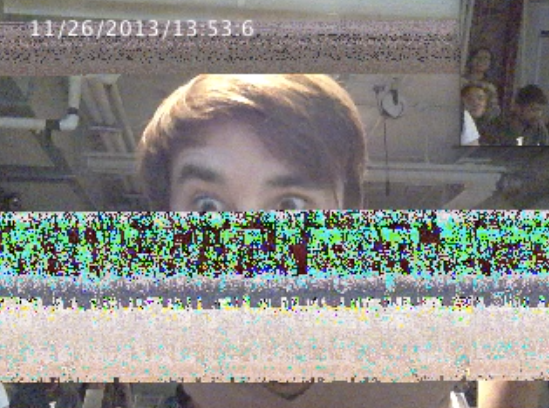
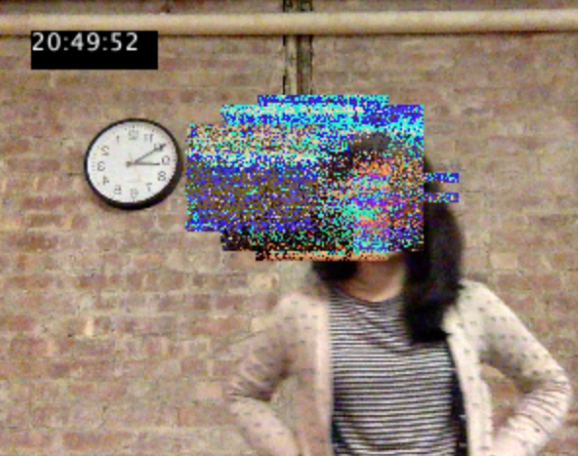
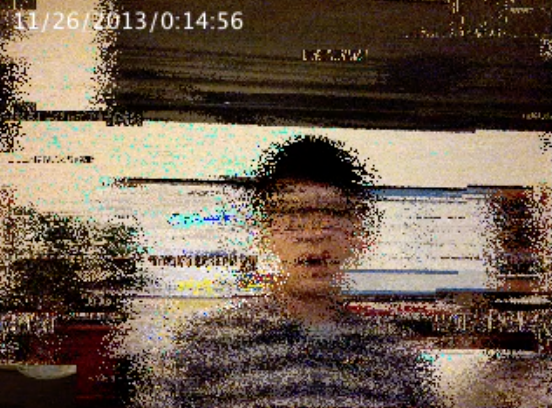
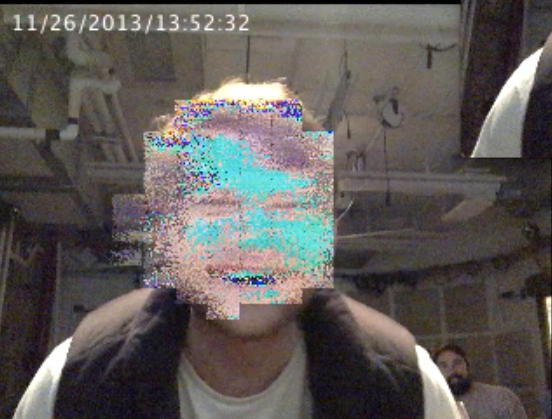
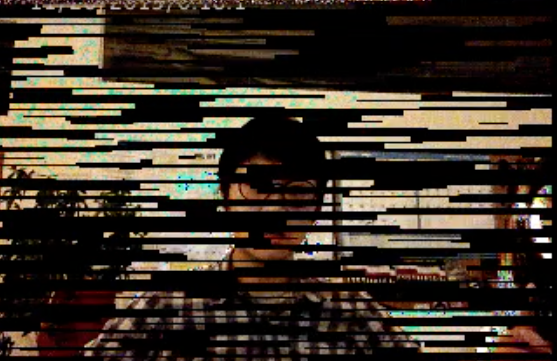
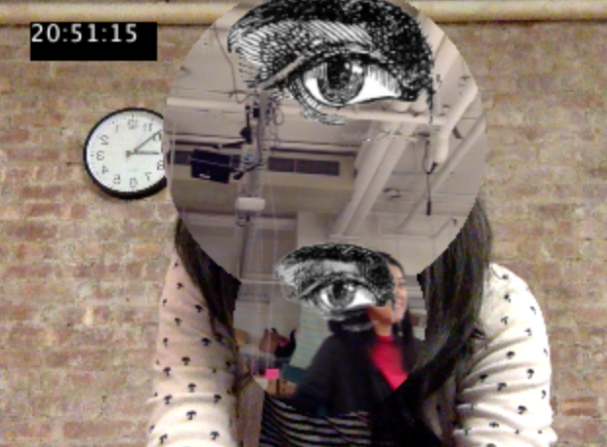
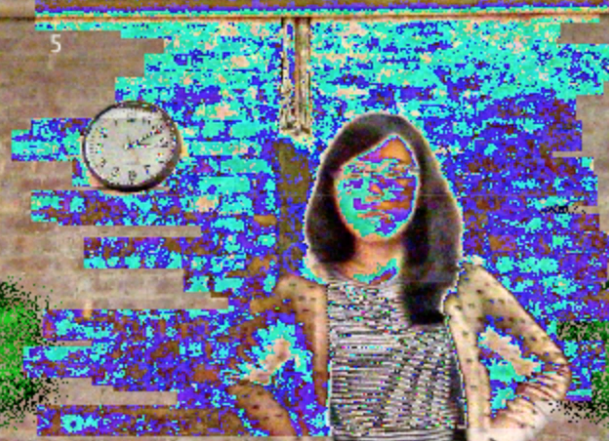
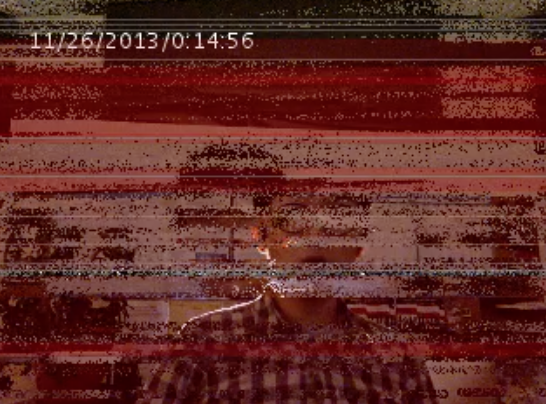
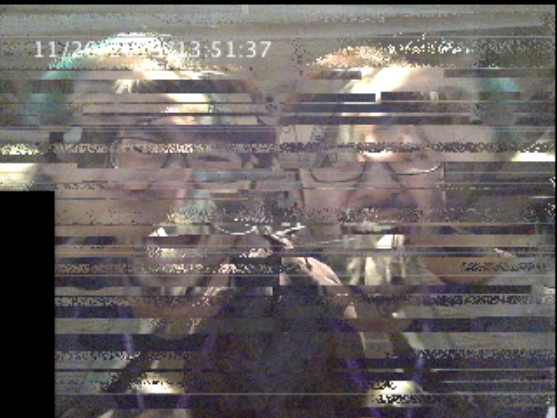
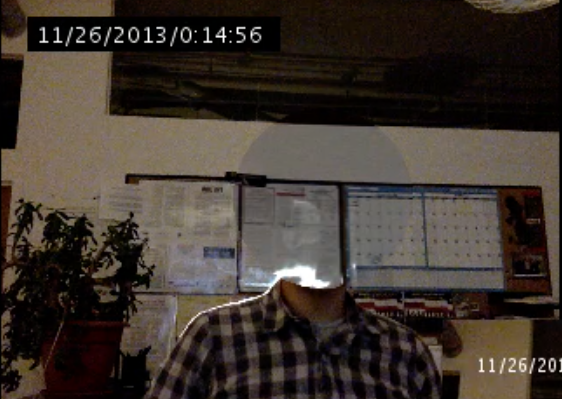
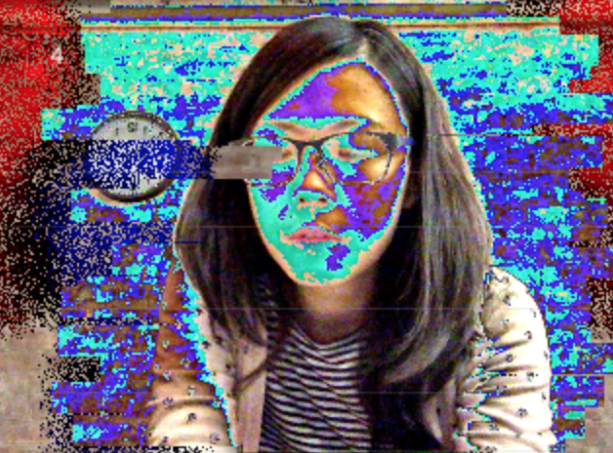
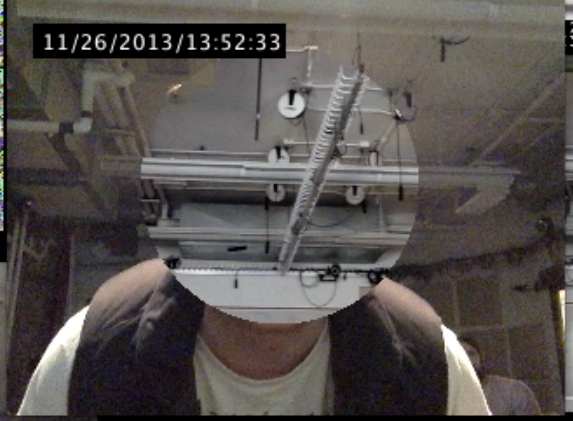
Glitchtchtchitch is a live interactive installation showing multiple short-lived fault in a system. By bringing out the imperfection of technology with massive pixels manipulation, sound distortion, and multiple screens display, Glitchtchtchitch visualize the transient fault and the incapability of communication. Although mainly sending serious messages, with the effect of headless illusions, heads displacement, and delay, it leaves audience undergoing an experience without too much pressure.

Glitchtchtchitch is presented by running more than 10 Processing sketches at the same time, and using 2-3 projectors to increase the amount of screen, the variety, and increase the level of distortion.


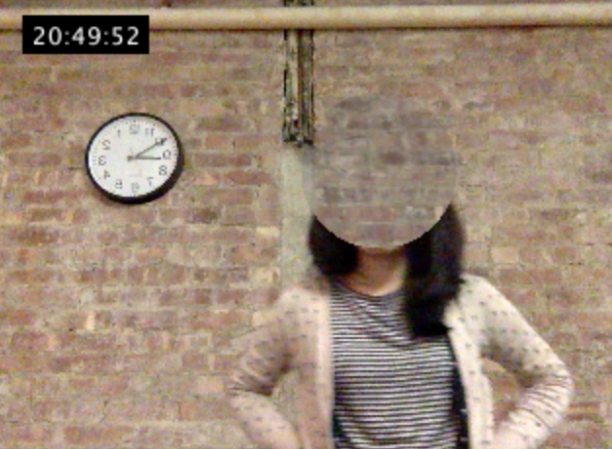
Main idea –>  In order to cubify heads, instead of just altering pixels, I made an object “Cube” to get, restore, alter, and display the pixels of specific range. Also to achieve the headless effect, besides the library OpenCV, I took a background image beforehand, and display its pixels within certain ranges, once detecting a face. ALL THE SOURCE CODES


Notes

  • Speed issue has room for improvement.
  • Different scale presentation style(projectors included) looks nice.
  • From user test and presentation feedback, people love headless and delay effect the most. Because they’re the most bizarre, unrealistic, and uncommon visual impact.

Problems with solutions

  • OutOfBounds —> constrain(xxx, 0, numPixels-1)
  • flip horizontal —> video.width-fx-1
  • can’t cover image with pixels[ ] —> solved by using pixels for both
  • improve the sketch speed —> P2D, PFrame,
  • connect to webcam? PS eye? —> camera list, example

References

  • scale PImage http://stackoverflow.com/questions/17705781/video-delay-buffer-in-processing-2-0
  • Minim noise http://code.compartmental.net/tools/minim/manual-noise/
  • hide menu http://processing.org/discourse/beta/num_1224367967.html

Original proposal –> Here.

http://jhclaura.com/Glitchtchtchlitch_proposal/Glitchtchtchlitch_proposal.pdf