perform test & 5 patterns of emotion

Group perform test w/ audiences!

And below are my 5 patterns of emotion.

The emotion accumulates through the weaving of three stories. At first, the emotion is unsure and blur. And gradually, the similarities of three stories appears, and the emotion goes higher and higher. In the end, huge amount of happiness burst out. The pattern of emotion reaches pick. And the result makes the sweetness linger into the end.


For music, similar to the 1st piece, emotion starts low and then goes high. What’s special about this is its “swinging” feature. By swing low makes the high even higher. And the competitive pattern create the anticipation from audience and creates more sense of involvement.


I see the pattern of the weaving from up to down. Not only the lines, the different materials and textures bring and add another layer to the pattern. It’s like the extra details on the high and low points. Besides the pattern of wave, different genera.


It’s an unusual pattern I’d love to challenge. Unlike the easy-following pattern, the abrupt fault shift the layers as whole, so although it’s easy to tell from looking at distance, it’s difficult to tell in close-up view. In the way to express, I’d imagine the “style” will change abruptly and unrelated at all. Altering without clues. And after that, gradually and gradually, viewers(or receivers, more broad) MIGHT realize the changing. Hopefully.


It’s a raw meat pattern. Less linear, more circular. It’s like a linear pattern without the end. Ending is always the beginning. Love the variation of width of layers. Difference of width, curves, and colors can add up producing a rich experience. Not good for real performance definitely.
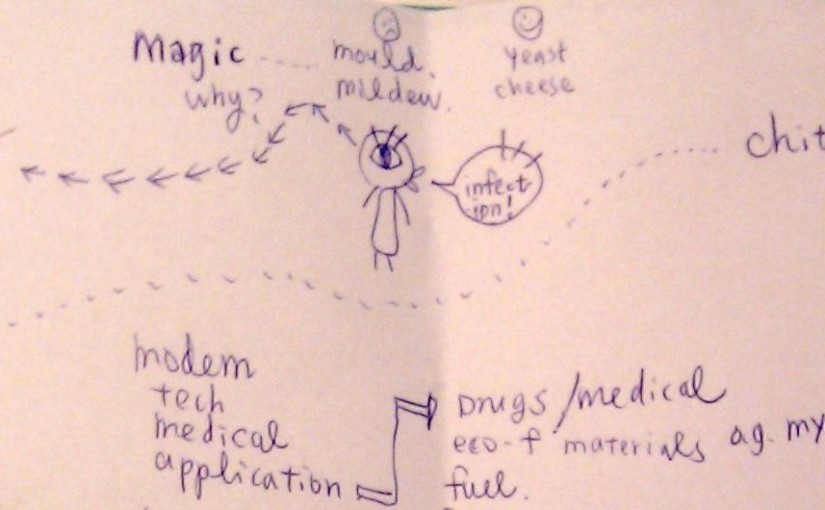
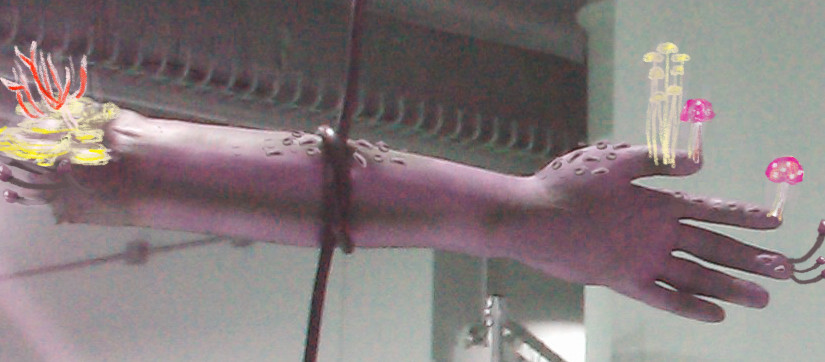
Thoughts about Fungus(update)

doodle

This semester I’m taking class of “Fungus Among Us”, and I’ve found some aspects of fungus I’m particular interested about, and would love to develop project based on them:

Gift to Gross Out People

Every time I google “fungus”, I can always have some valuable “wtf” moments, and I think it’s an amazing power deserved to be explored. Is it because fungus usually comes along with rotten, dead stuff and thus build up the association? Are we scared of its decomposing ability because it makes us relate to our future death? I’m interested in how we can do this kind of power of horror.

Super Adaptive Behavior

Fungus grows and prospers anywhere it lands. I’d love to grow them on different materials and different locations, and see how different the fungus will be. After that, I plan to gather those fungi together and see how their information/consciousness network work. Will they merge into each other and become a new kind of fungus?

Peculiar Round Shape

Fungus usually has circular shape because it grows by spreading out in all directions from a central point, where the original spore germinates. It’s an interesting feature I’d love to try with computer vision. The different looks of Pileus and there different functions can be inspirations for interactive devices too.


So, for the possible future project, I would either

  1. try to grow fungus into terrifying one, as horrible as it can be, and see how the power of horrors can be apply to(psychology aspect), or
  2. grow same fungus in different environments and see how people’s affect them, and after that see what they will communicate with each other by meshing up, and it might somehow representing the meshing up behaviors of people’s(communication/network aspect)? Or
  3. explore more about the structure and function of different shape of Pileus and see how it can be applied to enhance the communication/interaction among people as a wearable device(pcomp project).


responds to Form And FungusMagic of Mushrooms, Paul Stamets’s TED talk

website philross

sources are-fungi-earths-natural-internet, what role do fungi play in food chain,

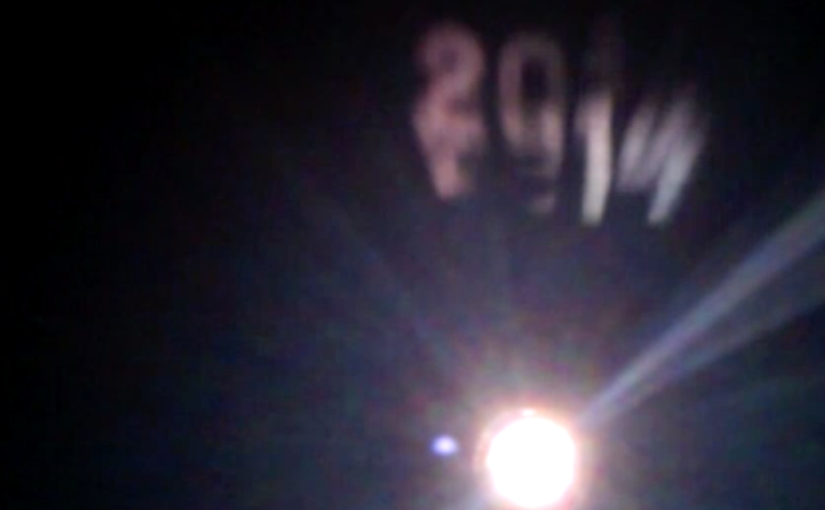
5-in-5_Day3_Breathe

tease(a teaser)

More to come, too cold to edit at 4am…

**Update**

Inspired by Wriggles & Robins(check out theirs!)
Set up in my bedroom with window wide open at night, tempurature -12ºC/10ºF,
LG HX350T projector, a lot of layers, and hot water stand by. Animation made in AE!

For now, it’s just a one-day simple projecting test. For future, I’d love to connect this with more interactions, exploring possibility to be generic art of emotions and communications. Pam suggested using words recognition to tell user’s speaking content then it can easily avoid pre-rendering! Seems to be having a lot of potentials. Exciting!

Oh there’s one big cannot unsee problem. It’s restricted by the temperature and amount of breath! Hmmm…

5-in-5_Day2_Moving Eye

eyes

(click pic to play! Using keyboard’s ↑ ↓ ← →)

JavaScript, first time! Nearly die…. I think I’m too used to Java/C++ syntax and too greedy/ambitious to try to do projects with JS… I spent whole afternoon searching on internet, and although I did found some awesome source codes, they just simply blown my mind. SO FOREIGN.

Thanks to Andy‘s suggestion, I narrowed down my goal to make a simple bouncing image in window. And it worked! After kind of (really just kind of) understanding JavaScript’s syntax and structure, I added extra functions: auto-moving and controlled by arrow keys at same time, and speed up/slow down feature.

Below are some of the resources I found:

I know right? Crazy.

5-in-5_Day1_Unicorn Striking through the Grass

“n-in-n”, a tradition around ITP, where students complete n project in n day, over a certain number of days.

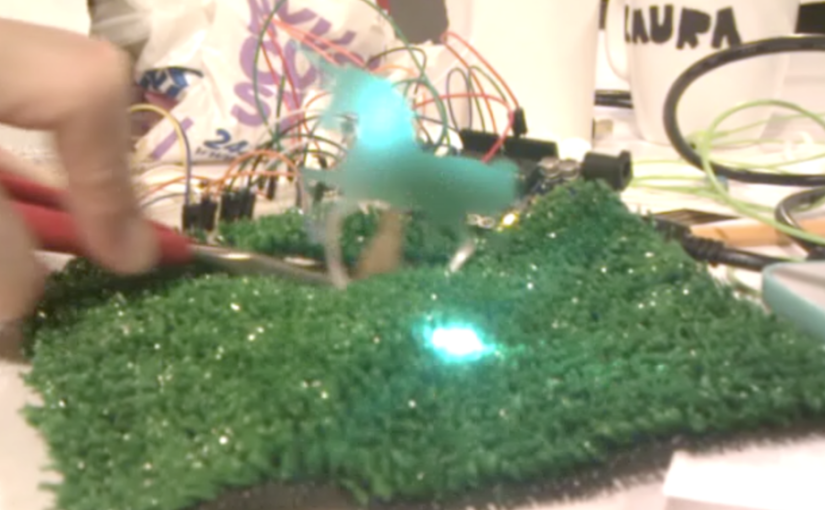
In this case, 5 days, 5 projects. Besides participating bunch of workshops held by amazing 2nd-years, for my Day1 project, I was thinking about doing StormLighter with this tutorial, but cut it off because of the shortage of materials. So I moved on to other new stuff: Capacity Sensing Library, which I always wanted to try, and RGB Led, because why not. For few hours here’s my rainbow-ish project result.

wires

unicorn_circuits

code

#include <CapacitiveSensor.h>

int redPin = 11;
int greenPin = 10;
int bluePin = 9;

int sendPin = 4;
int RreceivePin = 2;
int GreceivePin = 6;
int BreceivePin = 8;

CapacitiveSensor   cs_4_2 = CapacitiveSensor(4,2);
CapacitiveSensor   cs_4_6 = CapacitiveSensor(4,6);
CapacitiveSensor   cs_4_8 = CapacitiveSensor(4,8);

void setup()
{
  pinMode(redPin, OUTPUT);
  pinMode(greenPin, OUTPUT);
  pinMode(bluePin, OUTPUT);

  Serial.begin(9600);
}

void loop()
{
  long start = millis();
  long total1 =  cs_4_2.capacitiveSensor(30);
  long total2 =  cs_4_6.capacitiveSensor(30);
  long total3 =  cs_4_8.capacitiveSensor(30);

  Serial.print(millis() - start);       
  Serial.print("t");                   
  Serial.print(total1);                 
  Serial.print("t");
  Serial.print(total2);
  Serial.print("t");
  Serial.println(total3);

  int colorR = (int)map(total1, 0, 100, 0, 255);
  int colorG = (int)map(total2, 0, 100, 0, 255);
  int colorB = (int)map(total3, 0, 100, 0, 255);

  setColor(colorR, colorG, colorB);

  delay(50);
}

void setColor(int red, int green, int blue)
{
  analogWrite(redPin, red);
  analogWrite(greenPin, green);
  analogWrite(bluePin, blue);  
}

references: 1, 2

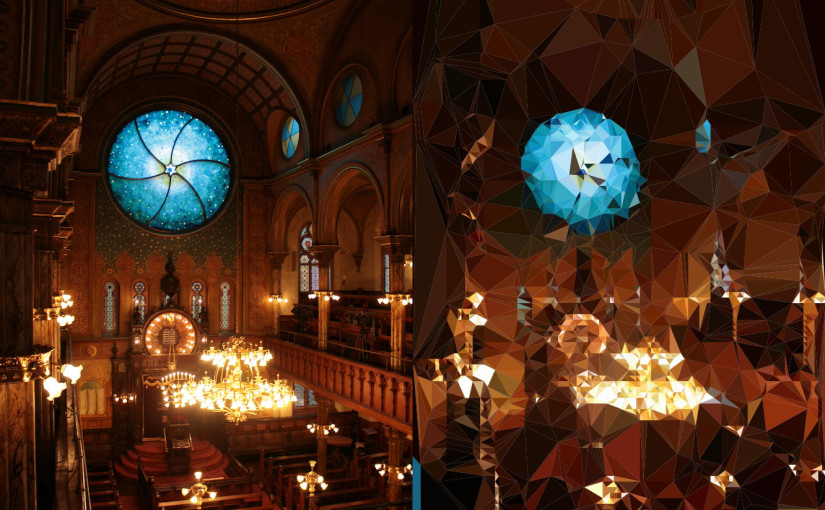
Triangulation!

Triangulation.. Finally! Want it so bad for a semester. Luckily having a winter break to do it. Have a lot of rooms for improvement but still, one step further!

*UPDATE*(in the middle of writing this post UGH)

New version. Normal speed!

In the middle of documentation, the ill performance, both low speed running and wrong color picking bothered me a lot, so I went through the whole codes again and making adjustment around. And then I found out what the problem is! It’s the random plotting of points for triangles! It not only slows down the process, but also causes the ill performance of choosing the right color for the triangle. OH YEAH SO HAPPY. It’s the similar “bitter yet sweet moment” I usually will have when coding… I think I’m ready for the new semester!

Old version. x3 speed! Slow and chaos.

Old Line version. Slow but it seems to have better outcome with the random plotting points methods!!


Image Gallery

colorV20252line544outcome06 outcome01 outcome04 outcome02 outcome03 outcome05 outcome07


Basic idea of code

  1. capture image from webcam and save as PImage source
  2. iterate through source, pick up every pixel, compare either a) colors or b) brightness difference(I found comparing by colors will be more accurate).
  3. if the difference is bigger than certain threshold, plant a point in class Voronoi. Voronoi does all the calculation to transform points into triangles.
  4. for each triangle gotten out from Voronoi, using getCentroid() to pickup the color to fill the triangle built up with beginShape(), endShape() and vertex().
  5. wipe out Voronoi and build a new one every 10 frames to speed up the performance.


References

  • from Robbie Tilton. ITP alumnus! This is where my base came from! Clear description made me not afraid of trying the code out! From him, I got the idea of using Cols and Rows to boost up the performance, and plotting points for triangles with a random deviation of 5 pixels to make it look less grid-like(BUT randomness is not good for picking color, and it also slows down the performance).
  • from Jan Vantomme. Very well documentation! From him, I learned the difference between getCentroid() and getSites(), and also learned that, since getCentroid() and getSites() don’t return the voronoi regions and points in same order, to fill the right color for right position it has to be looped to iterate through, picking and filling up the color at the same time.


Inspiration & Further


Code, as below: Continue reading